 Periodic Table – Chem
The accurate periodic table app for students and chemists
All 118 elements with data verified against IUPAC and NIST standards — plus a molar mass calculator, equation balancer, quizzes, and full offline access. No accounts. No tracking.
Free download · iOS 15.1+ · iPhone, iPad & Android · 30+ languages
Four screens you'll actually use
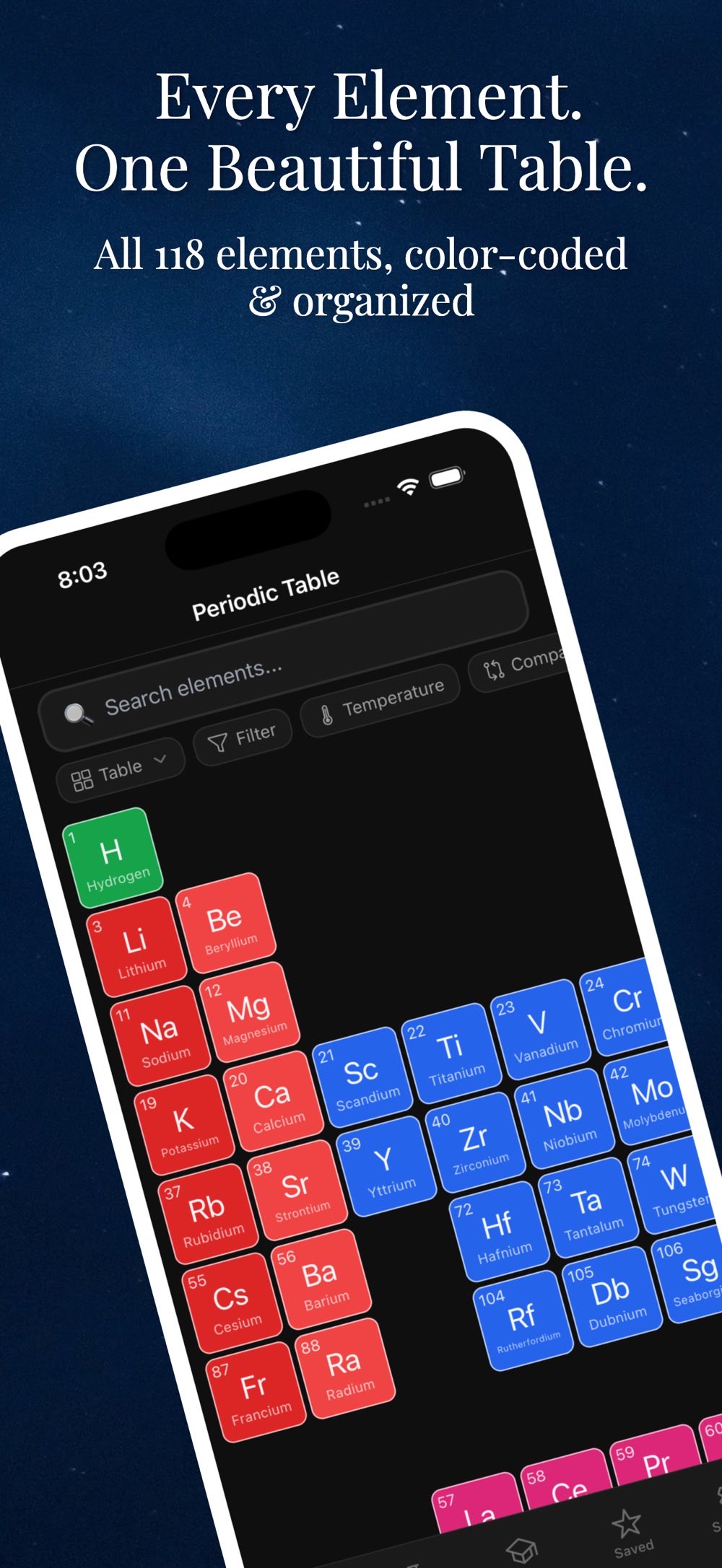
Chem is a reference tool first: tap an element for its full profile, search when you already know what you want, run the numbers, and put two elements side by side.
![Magnesium element detail sheet showing the alkaline earth metal tag, block S, period 3, group 2, an animated electron shell diagram with K, L and M shell counts, and the [Ne] 3s2 electron configuration.](assets/shot-2.jpg)
Every element, in full
Tap any tile for atomic mass, electron configuration with a shell diagram, melting and boiling points, density, electronegativity, ionization energy and oxidation states.
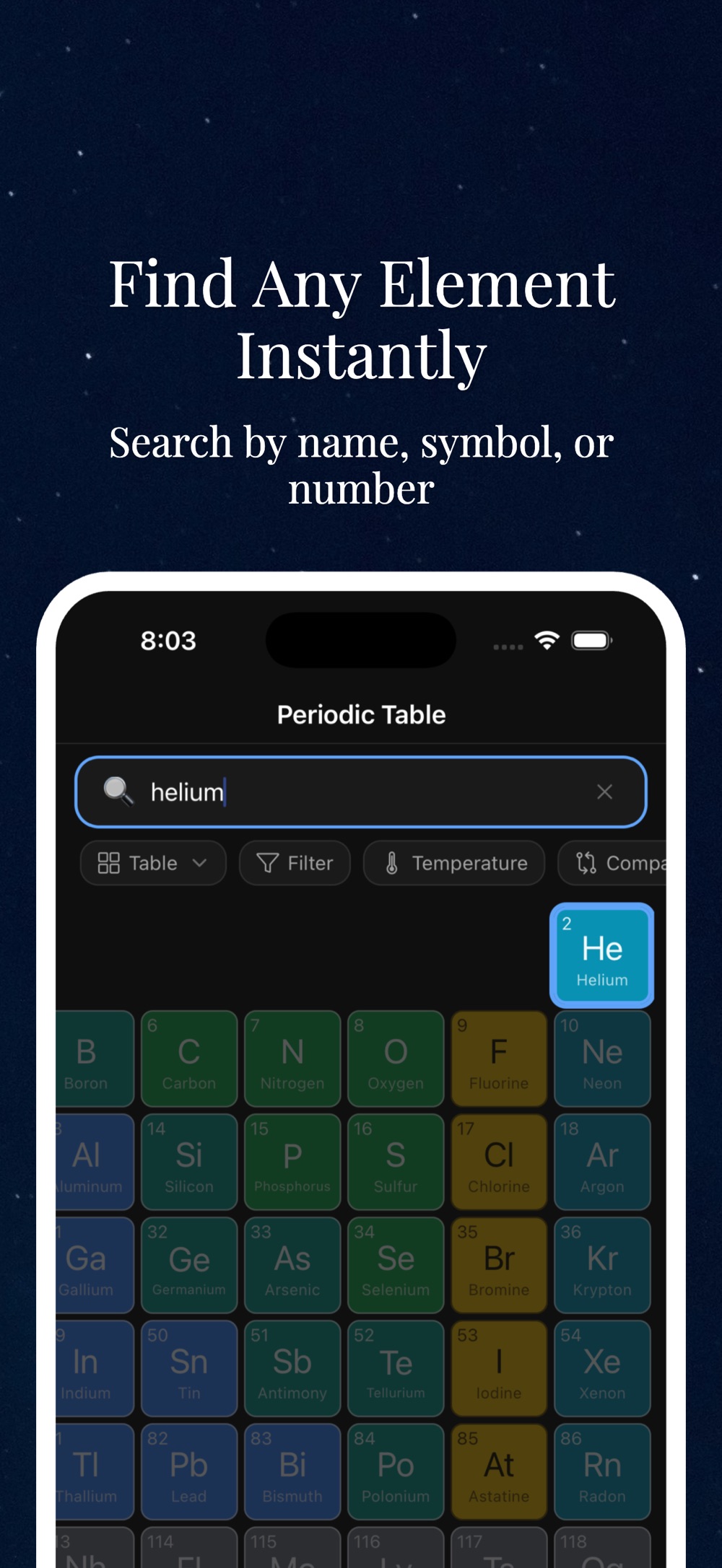
Search by name, symbol or number
Type what you remember and the matching tile lights up in place, so you keep your bearings in the table instead of landing in an isolated result page.
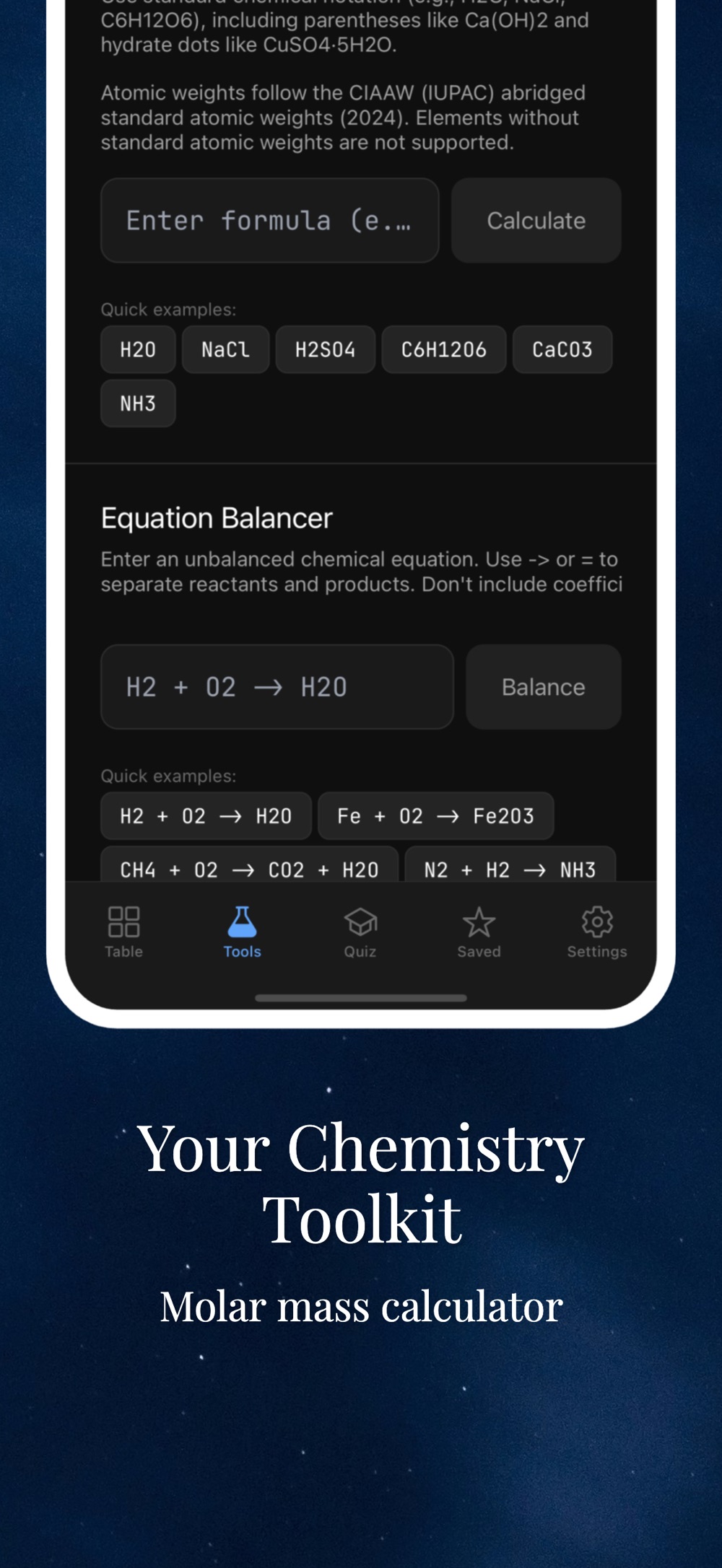
Molar mass and equation balancing
Enter any formula for its molecular weight, or paste an unbalanced equation and get the coefficients. Atomic weights follow the CIAAW (IUPAC) abridged standard values.
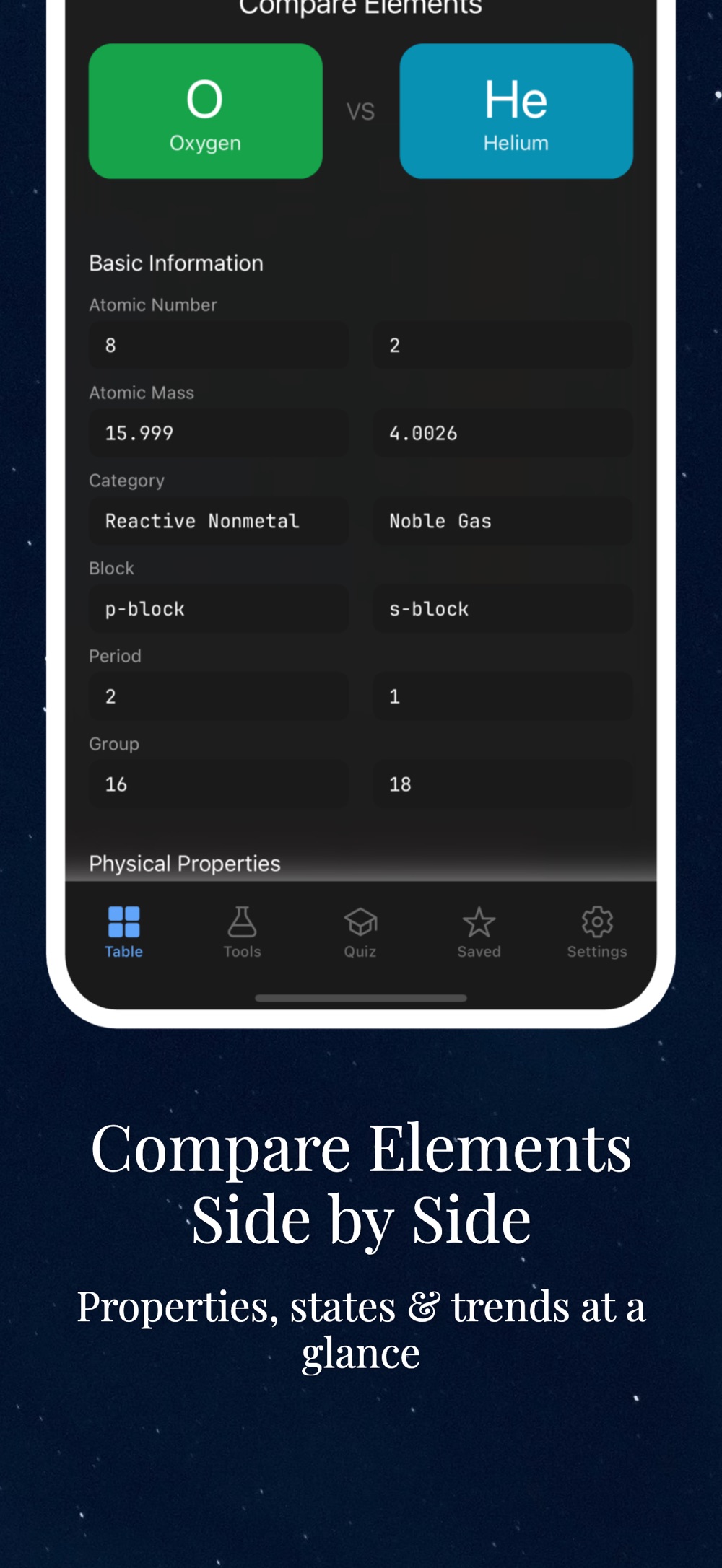
Compare two elements at once
Put oxygen next to helium — or any pair — and read basic information and physical properties row by row instead of flipping between two pages.
Wrong data costs you marks. Chem fixes that.
Many periodic table apps ship outdated or incorrect values — even swapped boiling and melting points. When you are checking a property mid-problem-set or mid-experiment, you need numbers you can trust.
The problem with most element apps
- Outdated or incorrect property values
- Boiling and melting points swapped for some elements
- Cluttered interfaces built around ads
- Accounts and tracking you never asked for
How Chem is different
- Every property verified against IUPAC and NIST standards
- Clean, modern interface with no distractions
- All element data available offline
- Favorites, notes, and collections stored locally — no accounts, no tracking
Everything you need for chemistry class and lab
From quick property lookups to homework tools, all features below come straight from the app's App Store listing.
Complete element data
Atomic mass, electron configuration, melting and boiling points, density, electronegativity, ionization energy, and oxidation states for all 118 elements.
Molar mass calculator
Enter any chemical formula to instantly calculate its molecular weight — no manual summing of atomic masses.
PremiumEquation balancer
Balance chemical equations automatically and check your homework answers in seconds.
PremiumTemperature slider
Drag from 0 K to 6000 K and watch elements change state — solid, liquid, gas — in real time.
Quizzes & flashcards
Multiple quiz modes and flashcards to drill symbols, names, and properties until they stick.
PremiumFavorites, collections & notes
Save the elements you use most, group them into custom collections, and attach personal notes to any element.
Dark & light themes
A clean, focused interface that follows your system appearance automatically.
Offline & private
All element data works offline. Your notes and collections stay on your device — no accounts required, no tracking.
How Chem fits into your study routine
Built for students and chemistry professionals who need reliable data at their fingertips.
-
Look up any element in seconds
Open the table and pull detailed, IUPAC/NIST-verified properties for any of the 118 elements — even with no internet connection.
-
Speed through stoichiometry homework
Use the molar mass calculator for any formula and the equation balancer to verify your balanced equations before you submit.
-
Build intuition with the temperature slider
See which elements are solid, liquid, or gas at any temperature from 0 K to 6000 K — states of matter become visual instead of abstract.
-
Test yourself before the exam
Switch to quizzes and flashcards to drill what you have learned, and keep your trouble elements in a custom collection with your own notes.
Frequently asked questions
Yes. The app is free to download on the App Store. Premium features — the molar mass calculator, equation balancer, all quiz modes and flashcards, saved elements with collections, and an ad-free experience — can be unlocked with a subscription or a one-time purchase.
Every property in the app — atomic mass, electron configuration, melting and boiling points, density, electronegativity, ionization energy, and oxidation states — is verified against IUPAC and NIST standards, so you are not working from outdated or swapped values.
Yes. All element data is available offline, so you can look up properties in a lab, lecture hall, or exam-prep session without a connection.
No. Your favorites, notes, and collections are stored locally on your device. No accounts are required and there is no tracking.
The app is a universal iOS app for iPhone and iPad, requiring iOS 15.1 or later, is also available on Google Play for Android, and is localized into more than 30 languages including English, Spanish, French, German, Japanese, Korean, Chinese, and Arabic.
Yes. You can save favorites, organize elements into custom collections, and add personal notes to any element. Saved elements with collections are part of the premium unlock.
Yes. Periodic Table – Chem is free to download on Google Play for Android, as well as on the App Store for iPhone and iPad.
Chemistry study guides
Free, evergreen explainers written for students — the same topics the app helps you practice.
How to read the periodic table
Groups, periods, blocks, and the trends that make the table predictable.
How to calculate molar mass
A step-by-step method with worked examples, from NaCl to hydrates.
How to balance chemical equations
The inspection method, common pitfalls, and practice strategies.
Electron configuration explained
Orbitals, the Aufbau principle, and shortcuts for writing configurations.
How to memorize the periodic table
Spaced repetition, chunking, and quiz techniques that actually work.
Best periodic table apps compared
An honest look at five well-known periodic table apps, plus ours — platforms, price, offline use.
Reliable chemistry data, right in your pocket
Download Periodic Table – Chem free on the App Store or Google Play. Data verified against IUPAC and NIST. Offline. Private. Built for focus.
Free on the App Store Free on Google Play