 ShrinkIt
Shrink videos up to 90% — without them ever leaving your iPhone
ShrinkIt compresses videos right on your device so you can free up storage and share clips through email or messaging apps without hitting size limits. Pick one of five quality presets or set an exact target size in MB.
Video files are huge. Sharing limits are not.
A few minutes of iPhone footage can be hundreds of megabytes. Email caps attachments, messaging apps cap uploads, and your camera roll quietly eats your storage and your iCloud plan. ShrinkIt fixes the file — not your habits.
Email bounces it back
Most email attachments have hard size caps. Set a target size in MB and ShrinkIt picks compression settings to land near it — useful for attachments and platform upload limits.
Messaging apps choke
WhatsApp, iMessage, and Telegram all struggle with big clips. The 360p preset makes files small enough to send fast — or use a custom target size for a specific app's limit.
Storage fills up
Compression often saves 50–80% on phone-recorded videos — gigabytes per shoot. Smaller videos also mean a smaller iCloud footprint and smaller backups.
Everything you need, nothing that phones home
ShrinkIt is built around one job: making video files smaller, on your terms, on your device.
Smart compression
Five quality presets or a custom target file size. Up to 90% size reduction at the lowest setting.
Target size control
Set a target in MB and ShrinkIt picks compression settings to land near it. Made for email attachments and upload limits.
Batch queue
Queue multiple videos and let them process one after another. Pause and resume any time.
Real-time progress
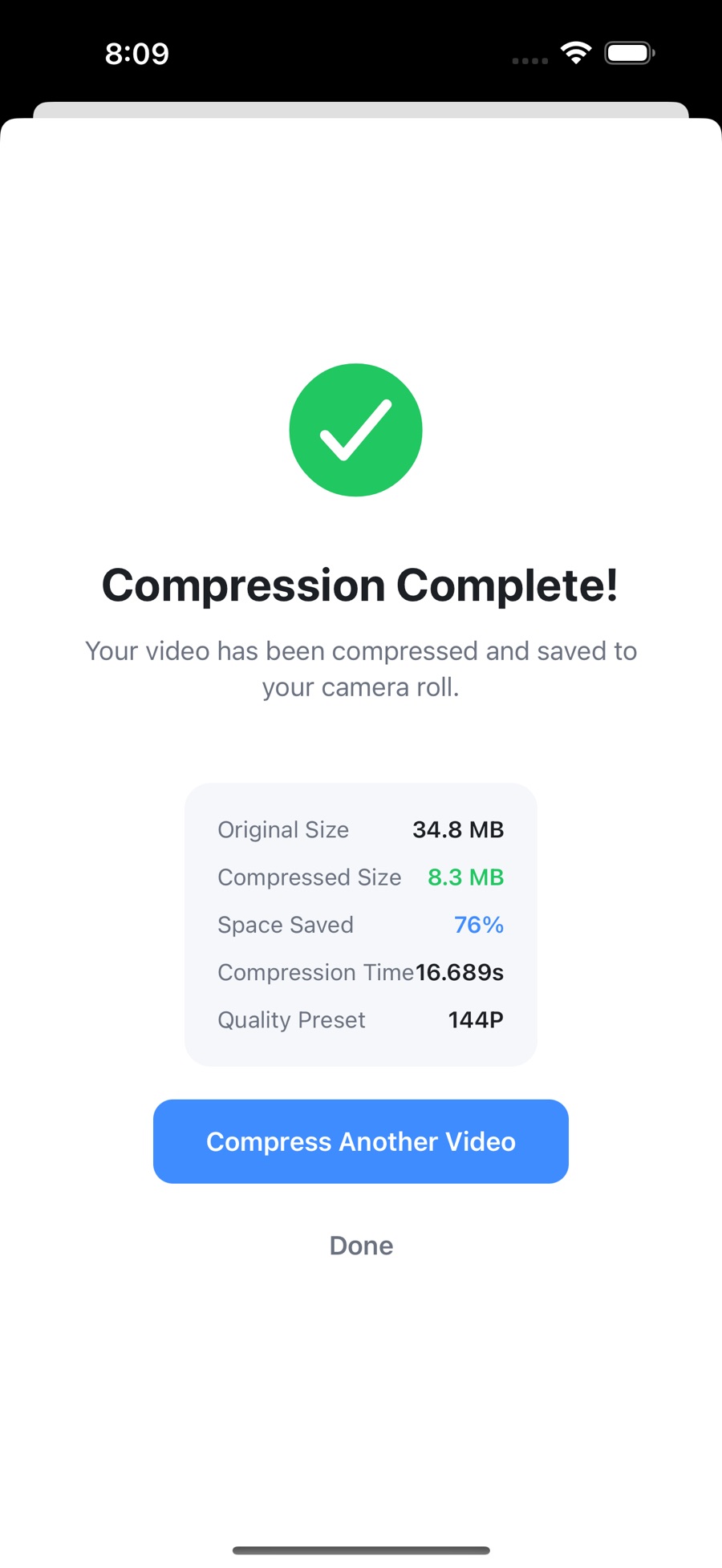
See original size, compressed size, space saved, and elapsed time for every video as it processes.
Privacy first
All processing runs on your device with Apple's AVFoundation. Videos never leave your iPhone. No account, no internet required.
Dark mode
Auto-follows your system setting, or pick light or dark manually. Small touch, easier on the eyes.
What compression actually looks like
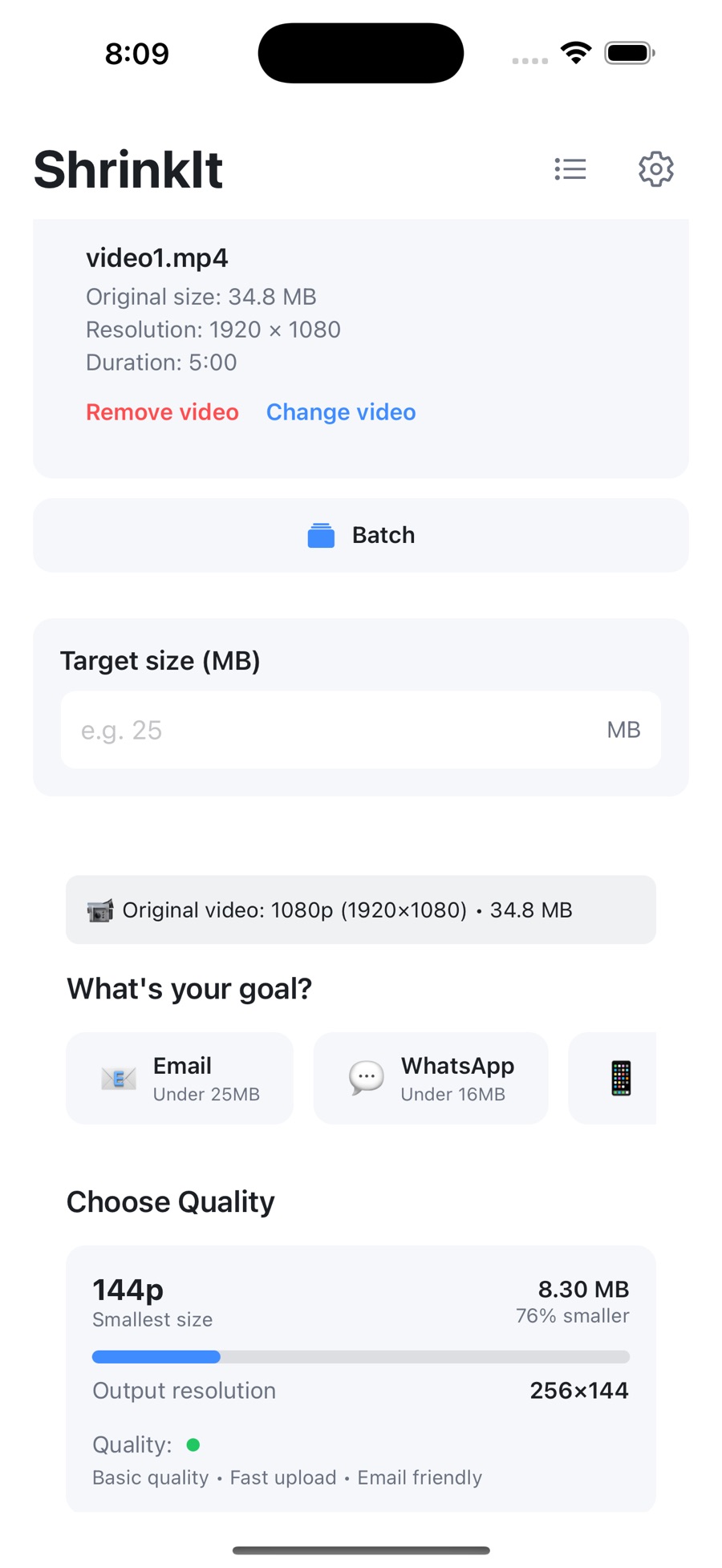
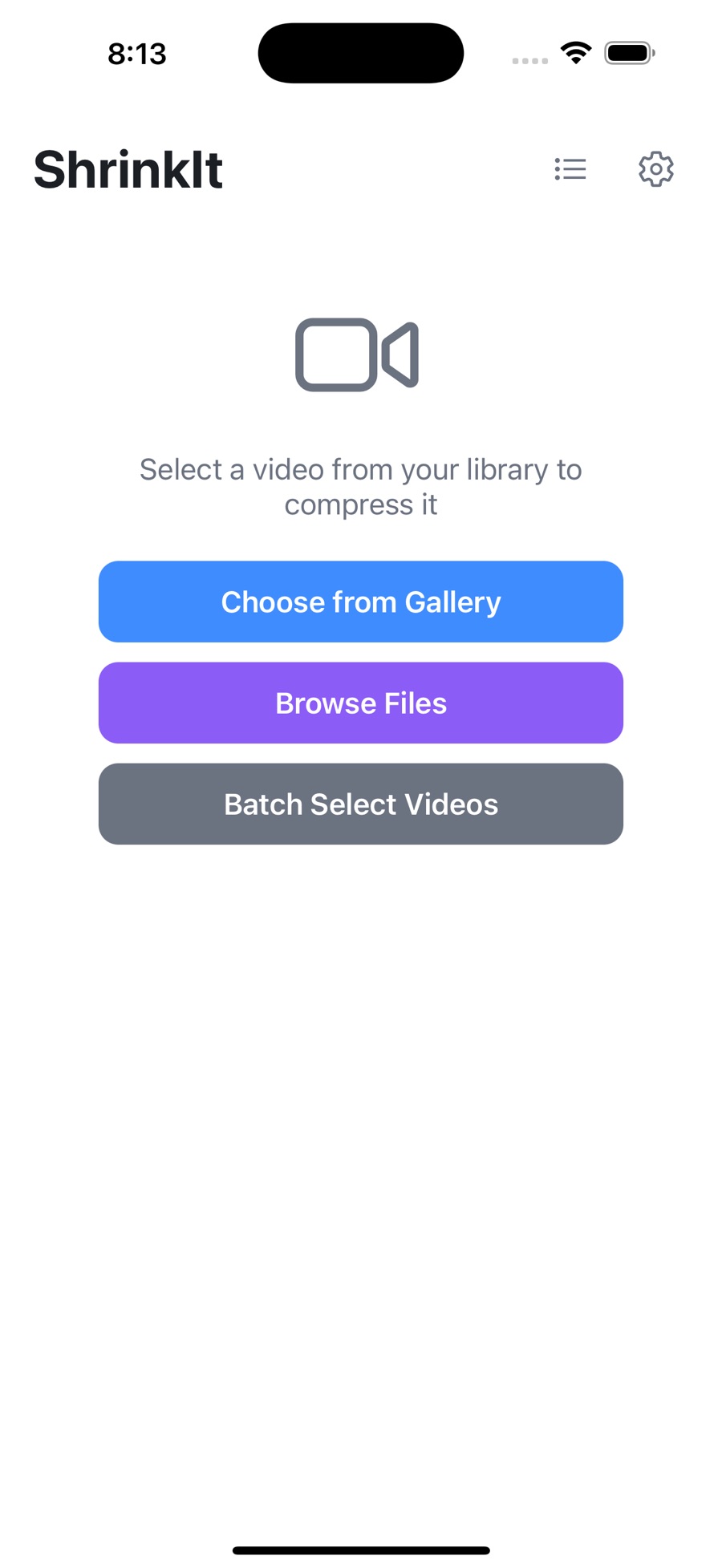
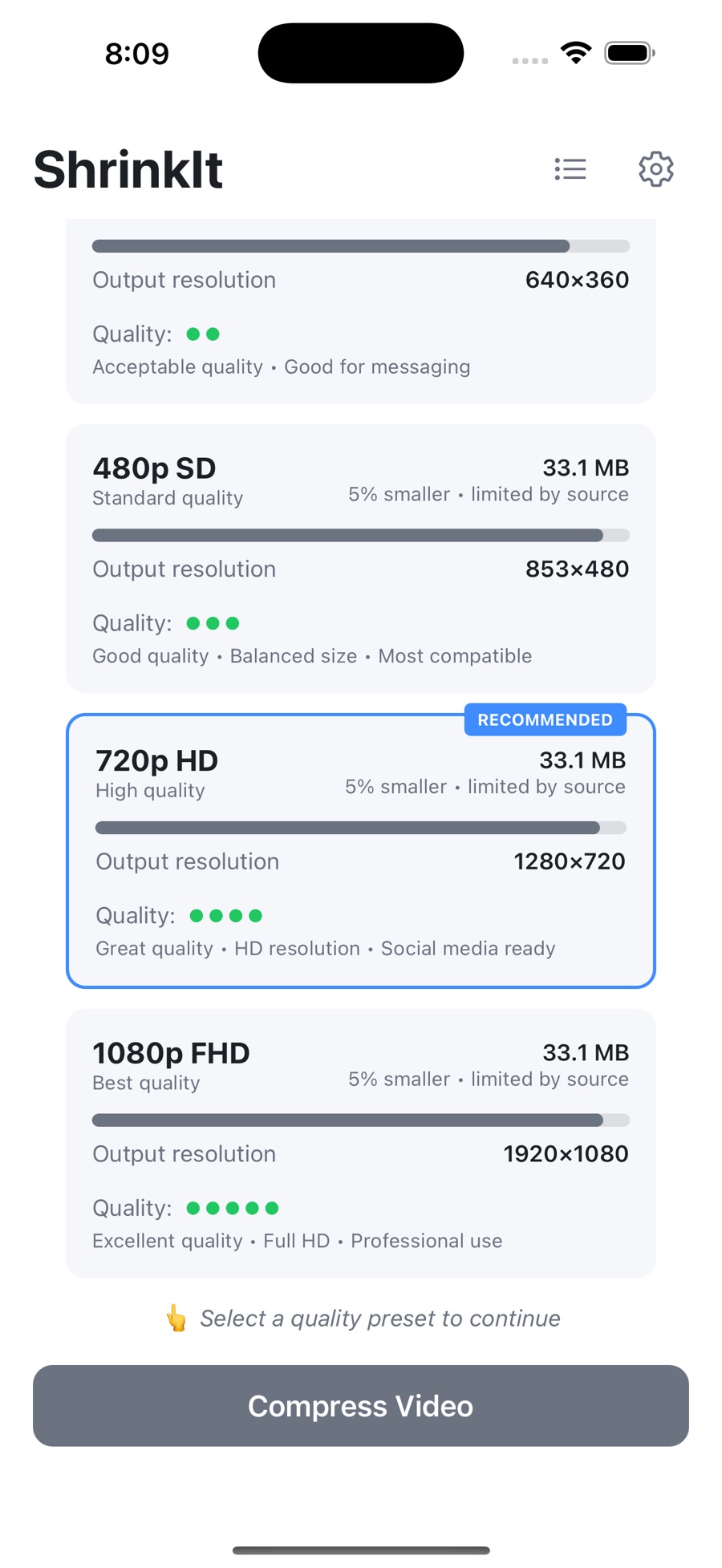
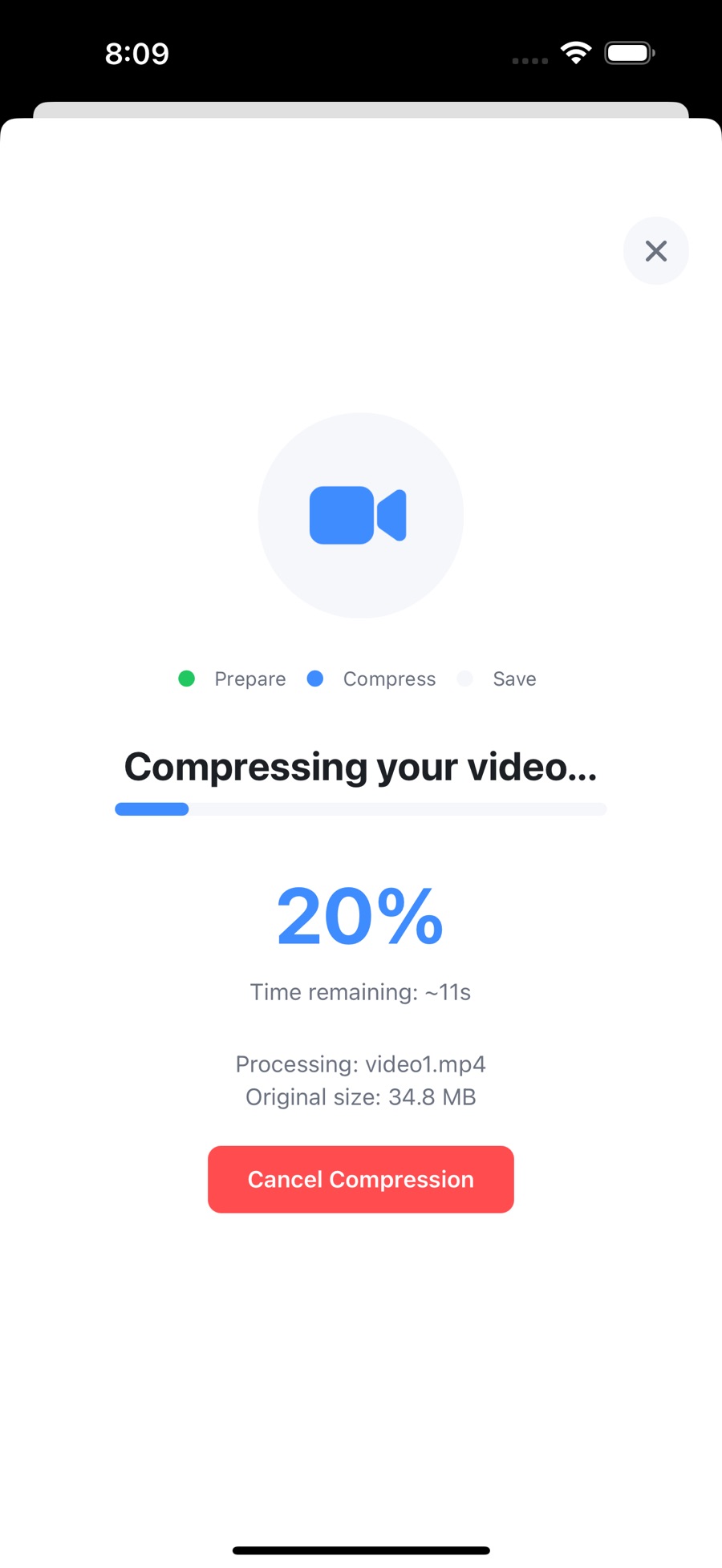
Four real screens from version 2.1.0 — from importing a clip to a finished 76% saving. Scroll the strip sideways to step through it.
Five presets, or name your own number
Quality you control: pick a preset or a target size — ShrinkIt won't make decisions for you.
| Preset | Best for |
|---|---|
| 1080p Full HD | Minimal compression, maximum quality — keepers and archives |
| 720p HD | The balance of quality and size for most everyday videos |
| 480p SD | Standard quality for everyday use and casual sharing |
| 360p | Smaller files made for messaging apps |
| 144p | Maximum compression for minimal storage |
| Target size | Enter a number in MB — ShrinkIt aims the output near it |
How ShrinkIt fits into your day
A simple four-step workflow, hardware-accelerated by your iPhone's own video encoder — no upload, no waiting on a server.
- Pick videos
Import from Photos or Files.
- Choose preset or target size
Five presets from 1080p to 144p, or a custom MB target.
- Queue multiple if needed
Videos process one after another; pause and resume any time.
- Auto-save when done
Optionally save straight back to Photos, and optionally delete the original.
Built for real limits
Good for freeing up iPhone storage, email attachments under 25 MB, WhatsApp / iMessage / Telegram, trimming iCloud storage costs, and smaller backups.
Honest engineering
Supports MP4, MOV, HEVC, and most iPhone-recorded formats. Output is H.264 MP4 up to 1080p SDR (HDR sources are converted to SDR), always keeping the original aspect ratio. Memory-aware: it refuses files too large for your device rather than crashing mid-job.
See what you've saved
ShrinkIt tracks total space saved across all compressions, the number of videos compressed, and your last 50 jobs.
Frequently asked questions
Straight answers about privacy, quality, formats, and price.
No. All processing runs on your device using Apple's AVFoundation. Videos never leave your iPhone, and the app needs no account and no internet connection to compress.
Up to 90% size reduction at the lowest quality setting. On typical phone-recorded videos, compression often saves 50–80% of the file size. Actual savings depend on the source video and the preset you choose.
ShrinkIt supports MP4, MOV, HEVC, and most iPhone-recorded formats. Output is H.264 MP4 up to 1080p in SDR; HDR sources are converted to SDR. The original aspect ratio is always maintained.
Yes. Queue multiple videos and they process one after another. You can pause and resume the queue at any time, and optionally have it pause when the app goes to the background.
Only if you choose to. "Delete original after compression" is an optional toggle, as is auto-saving the compressed copy to Photos. By default you stay in control of both files.
ShrinkIt is a $4.99 purchase on the App Store and on Google Play (US pricing at time of writing). It requires iOS 15.1 or later on iPhone and iPad, and is also available for Android.
Yes. ShrinkIt is on Google Play for Android as a $4.99 one-time purchase, the same as on the App Store for iPhone and iPad.
Guides: get more from every megabyte
Practical, evergreen explainers on video size, formats, and sharing limits.
How to compress a video for email (and actually get under the limit)
Why attachments bounce, what the real limits are, and how to hit a target size on the first try.
Quality1080p vs 720p vs 480p: which resolution should you choose?
What resolution actually does to file size and quality — and how to pick the right preset for the job.
StorageHow to free up iPhone storage when videos are eating it
Find what's taking space, decide what to keep, and reclaim gigabytes without losing memories.
FormatsHEVC, H.264, and HDR: iPhone video formats explained
Why some videos won't play on other devices, and when converting to H.264 is the right call.
Stop deleting videos to make room
One purchase, no subscription, no account. Compression runs entirely on your iPhone.