 LocalConvert
The file converter that never uploads your files
LocalConvert handles 24+ format conversions — HEIC to JPG, images to PDF, ZIP, CSV to JSON, and more — processed entirely on your iPhone. No internet required. No servers. No tracking.
Free · iPhone, iPad & Android · iOS 16+ · 30+ languages
Most file converters send your files to someone else's computer
Online converter websites work by uploading your document to a server, converting it there, and sending it back. Your contract, ID scan, or client data sits on infrastructure you don't control. LocalConvert takes the opposite approach.
Online converter websites
- Your file is uploaded to a remote server before anything happens
- You depend on the site's retention policy and security practices
- Ads, trackers, and upload caps on many free tiers
- Useless without a connection — slow on bad Wi‑Fi
LocalConvert
- All conversions happen on your device — files never upload to servers
- No analytics, no tracking, completely private
- No file size limits and no server delays — conversion at device speed
- Works fully offline: airplane mode, subway, anywhere
Everything you need to convert files on iPhone
Images, PDFs, archives, data formats, and markup — LocalConvert replaces a pile of single-purpose tools and converter websites.
Image converter
Convert between PNG, JPG, and WebP in any direction, and turn iPhone HEIC/HEIF photos into JPG or PNG that opens anywhere.
PDF maker & tools
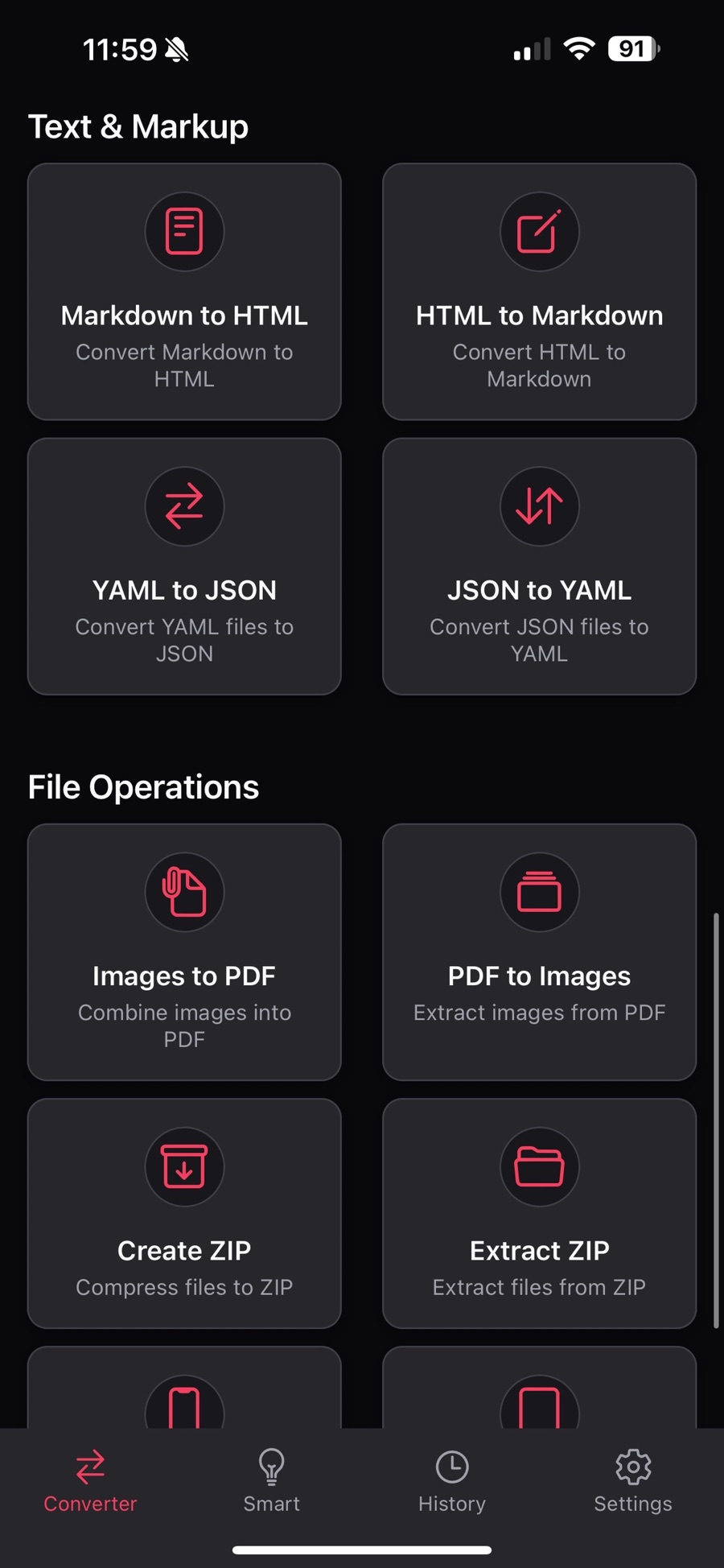
Combine multiple images into a single professional PDF — single or batch — extract pages from PDFs, or pull images back out of a PDF.
ZIP extractor & creator
Extract and decompress ZIP archives instantly, view their contents, and compress multiple files into a ZIP for sharing or archiving.
Developer data tools
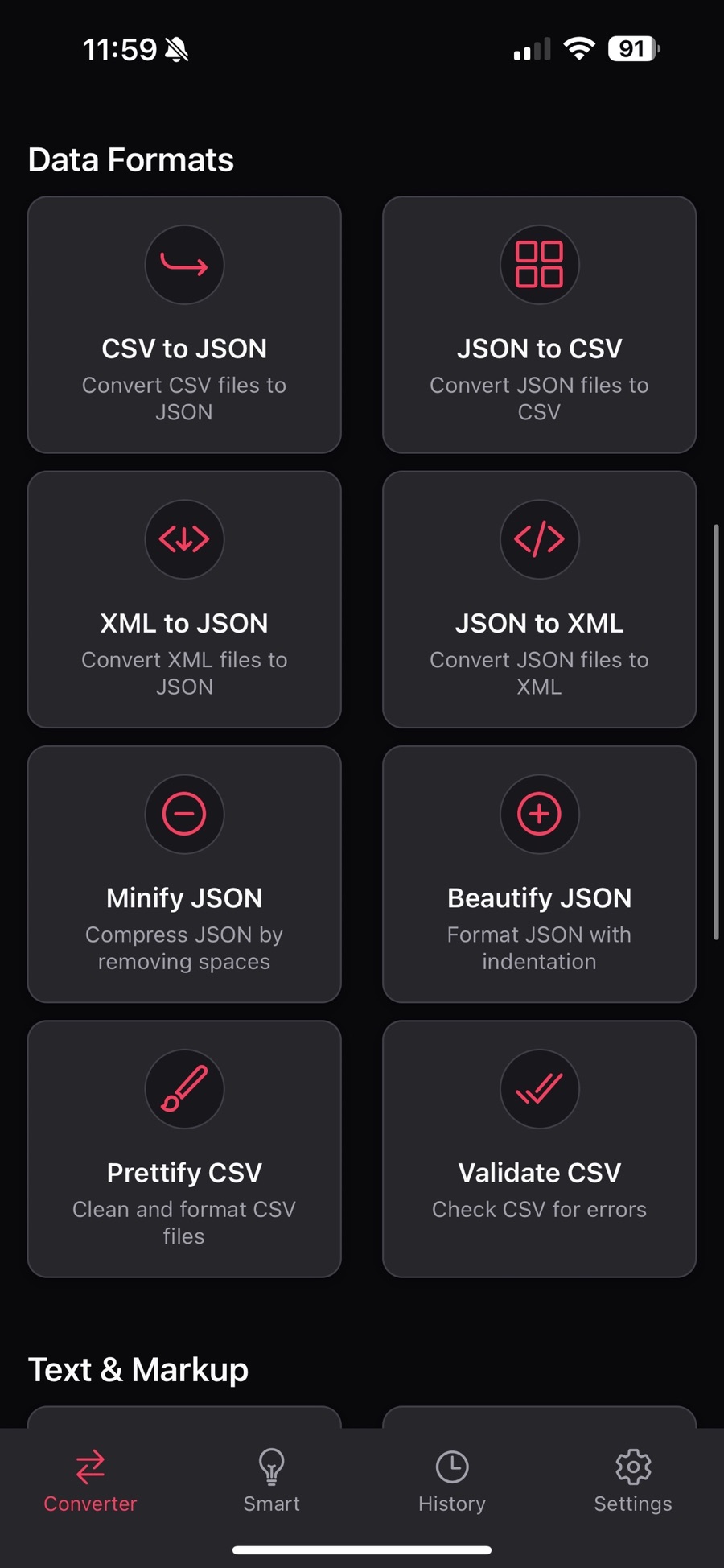
Convert CSV ⇄ JSON, XML ⇄ JSON, and YAML ⇄ JSON. Minify or beautify JSON, and prettify or validate CSV — right on your phone.
Markdown & HTML
Convert Markdown to HTML and HTML back to Markdown — handy format conversion for developers, writers, and note-takers.
EXIF metadata remover
Strip location data, camera information, and timestamps from photos before you share them. Protect your privacy in one step.
A menu of converters, not a maze
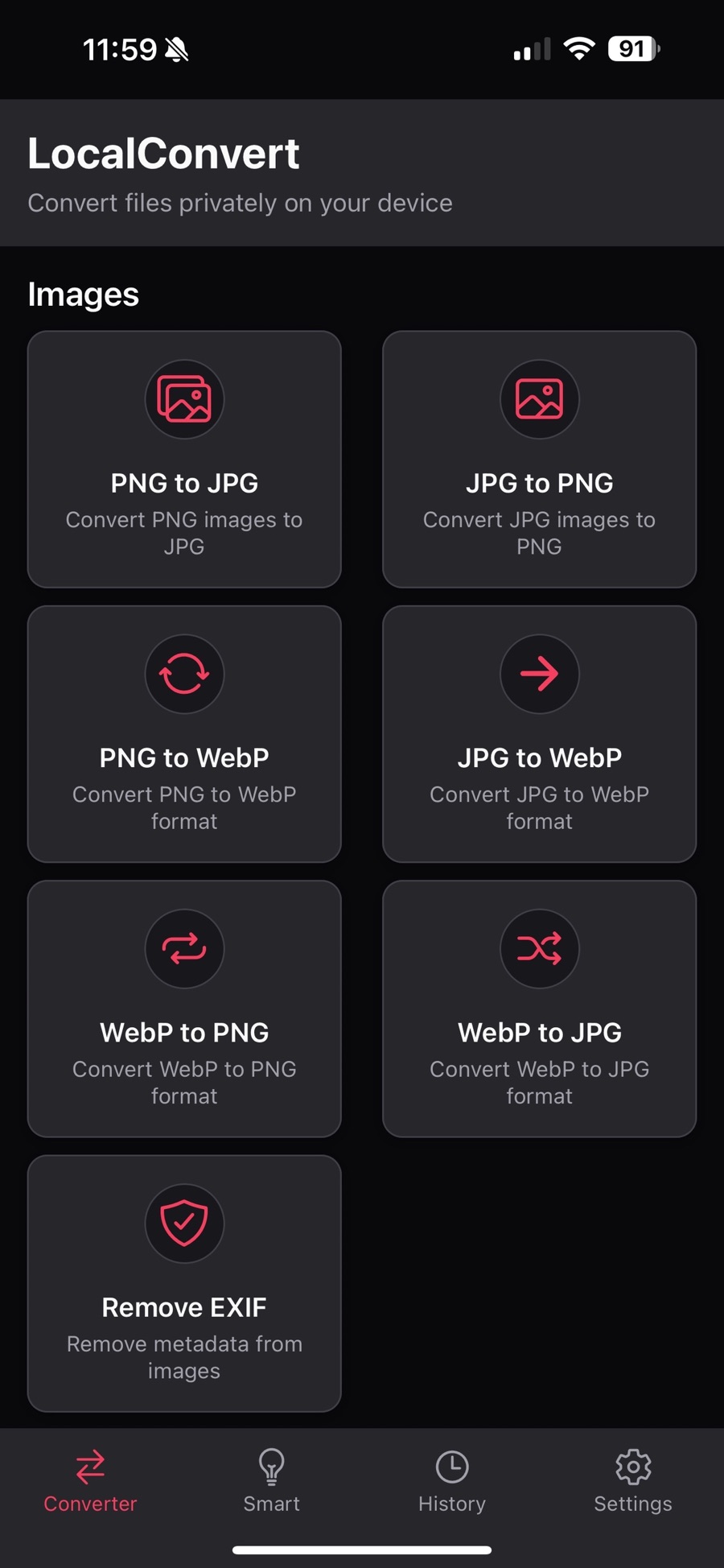
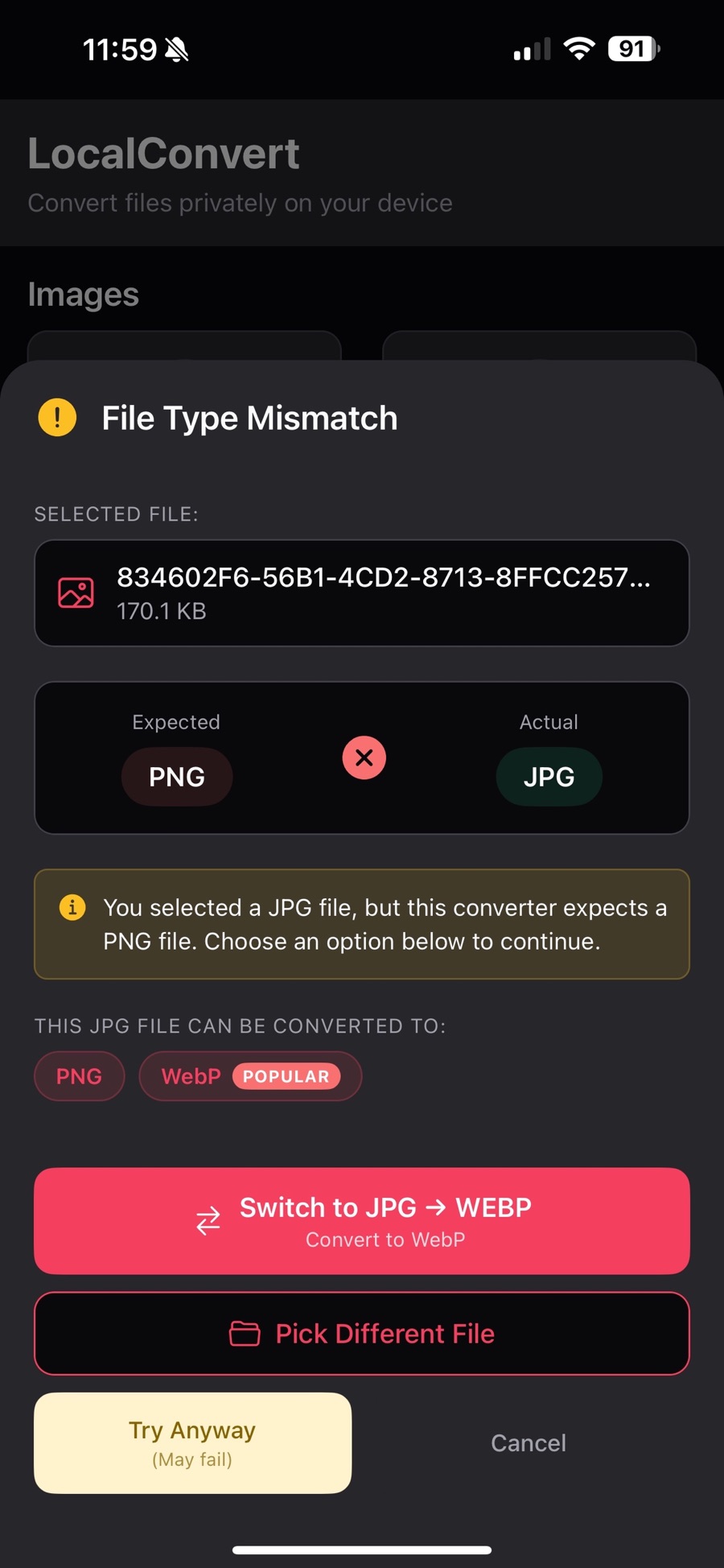
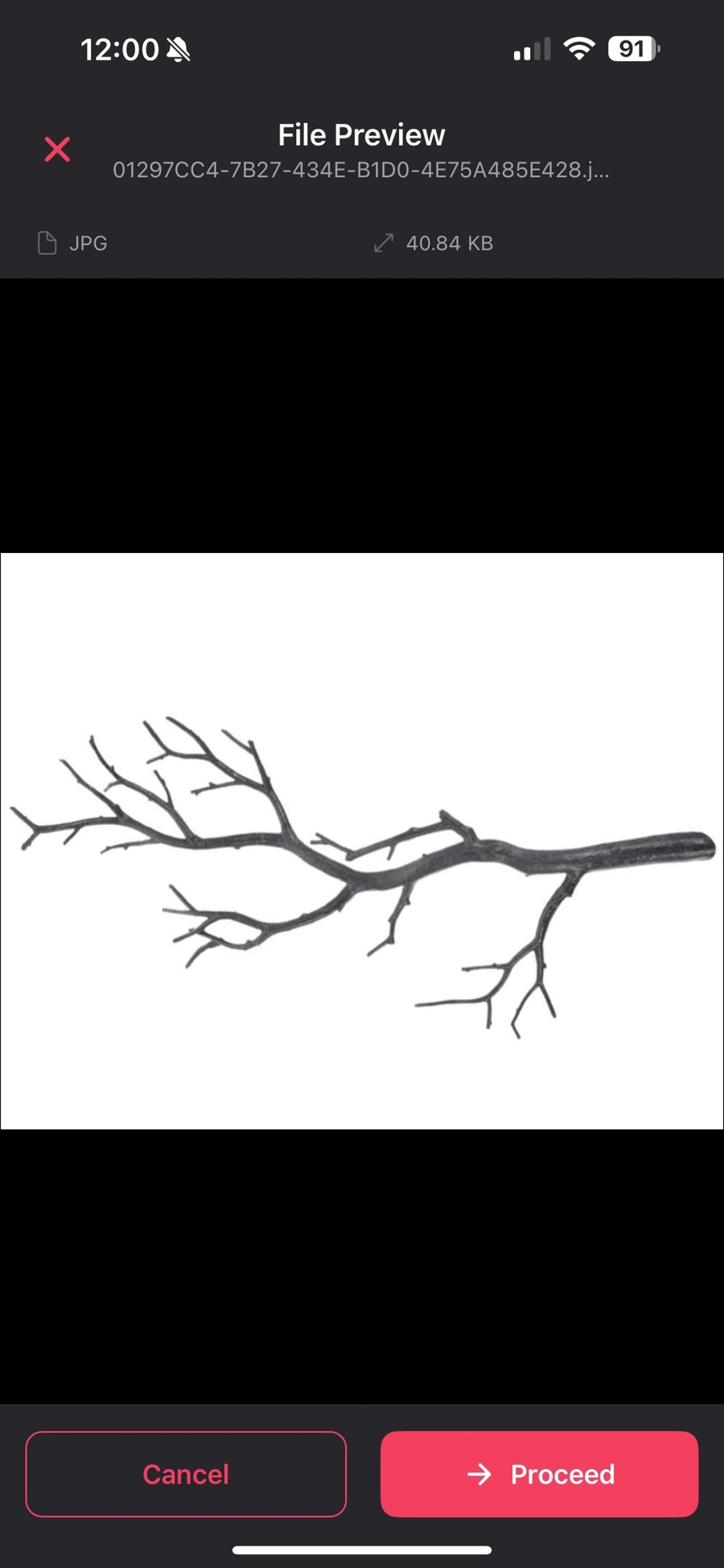
LocalConvert opens on a plain list of everything it can convert, grouped by what you're working with. Pick a conversion, pick a file, and it runs — with a check along the way to make sure the file really is what its name claims.
- Grouped into Images, Data Formats, Text & Markup, and File Operations
- A History tab keeps a record of everything you converted
- Mismatched file types are caught before the conversion runs
Built for people who convert files every week
Photographers — convert HEIC to JPG so every client, printer, and platform can open your photos.
Students — snap pages and assignments, then create a clean PDF from images to submit or archive.
Developers — JSON conversion, CSV tools, and YAML processing without leaving your phone.
Professionals — make PDFs from photos of documents and extract ZIP attachments on the go.
Privacy-focused users — remove EXIF metadata and keep every file on your own device.
Questions people ask before installing
Are my files uploaded to a server when I convert them?
No. Every conversion in LocalConvert happens on your device. The app never uploads your files to servers, and it uses no analytics and no tracking.
Does LocalConvert work without an internet connection?
Yes. LocalConvert requires no internet connection. You can convert images to PDF, extract ZIP files, and process data formats anywhere, even in airplane mode.
Is LocalConvert free?
Yes, LocalConvert is free on the App Store and free to download on Google Play.
Which file formats does LocalConvert support?
Images: PNG, JPG, JPEG, WebP, HEIC, HEIF. Documents: PDF, Markdown, HTML. Data: CSV, JSON, XML, YAML. Archives: ZIP. In total the app handles 24+ format conversions, including HEIC to JPG, images to PDF, CSV to JSON, and Markdown to HTML.
Is there a file size limit?
No. LocalConvert has no file size limits because files are processed on your device rather than uploaded to a server.
Can LocalConvert remove location data from my photos?
Yes. The built-in EXIF remover strips metadata from images, including location data, camera information, and timestamps, so you can share photos without exposing where or when they were taken.
Which devices and iOS versions are supported?
LocalConvert is a universal iOS app for iPhone and iPad (iOS 16.0 or later) and is also available on Google Play for Android. The app is available in 30+ languages with an in-app language switcher.
Convert your next file without uploading it
Free on the App Store. No accounts, no size limits, no tracking.
Download free on theApp Store Get it onGoogle Play